AI-Powered Video Learning
Watch Smarter
Learn Deeper
Remember Everything
Import any video. Get instant AI transcription. Ask questions, take notes, and extract the essence — all in one place.
AI-Powered Video Learning
Import any video. Get instant AI transcription. Ask questions, take notes, and extract the essence — all in one place.
The Problem
You pause every 30 seconds to look up words. By the time you find the meaning, you've lost the context.
Switching between your video player and your note-taking app breaks your flow. Timestamps? You're copying them manually.
A 90-minute lecture might contain only 10 minutes of insight. But you won't know until you've watched it all.
Features
Six powerful features working together to transform how you learn from video content.
From speech to text — instantly. Powered by Google Cloud Chirp 3, supporting English, Chinese, Japanese, and 99+ languages with exceptional accuracy. Run locally for privacy.
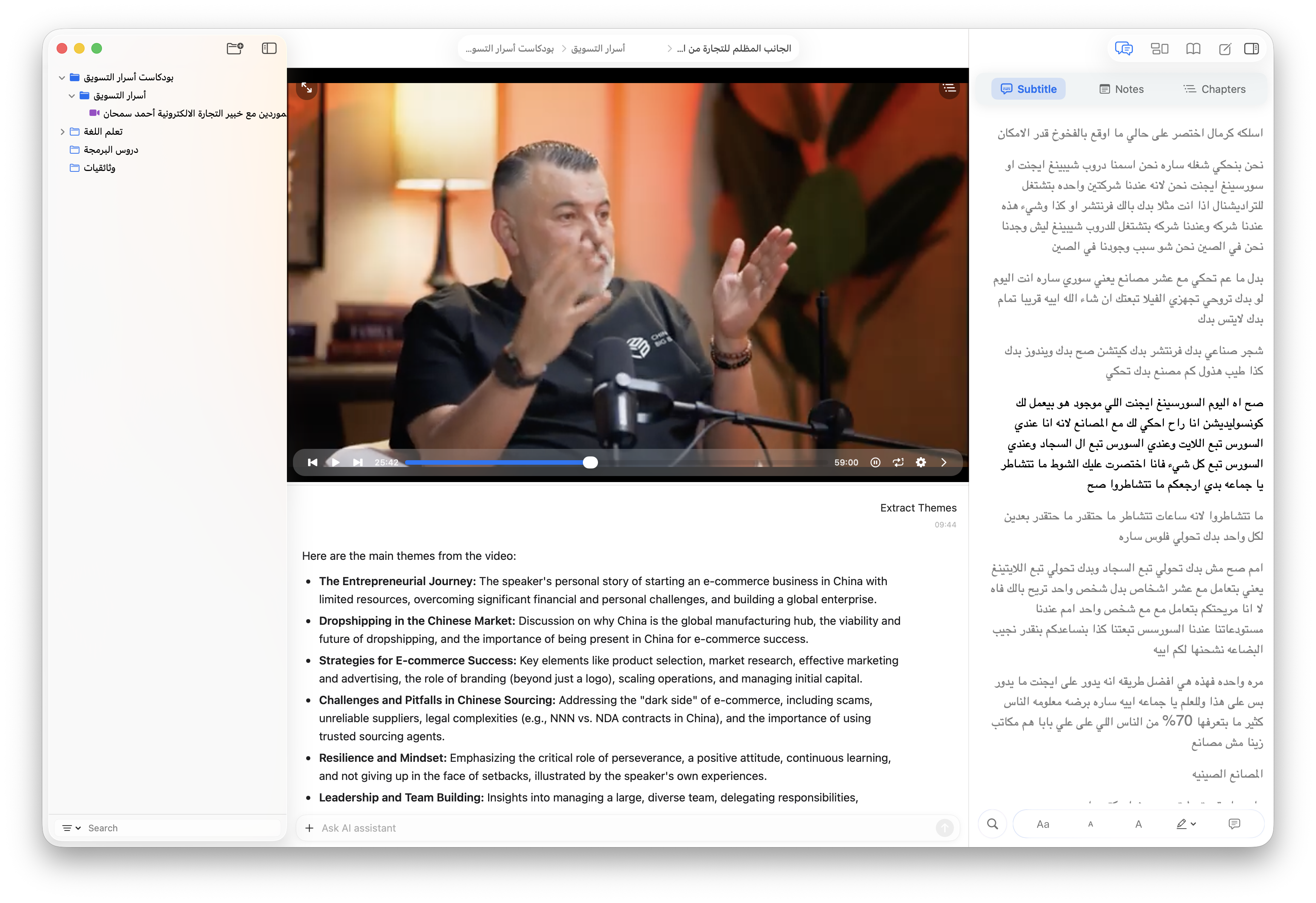
Ask your video anything. Right-click any subtitle or open the chat panel. It answers based on the video content, transcript, and exact timestamp.
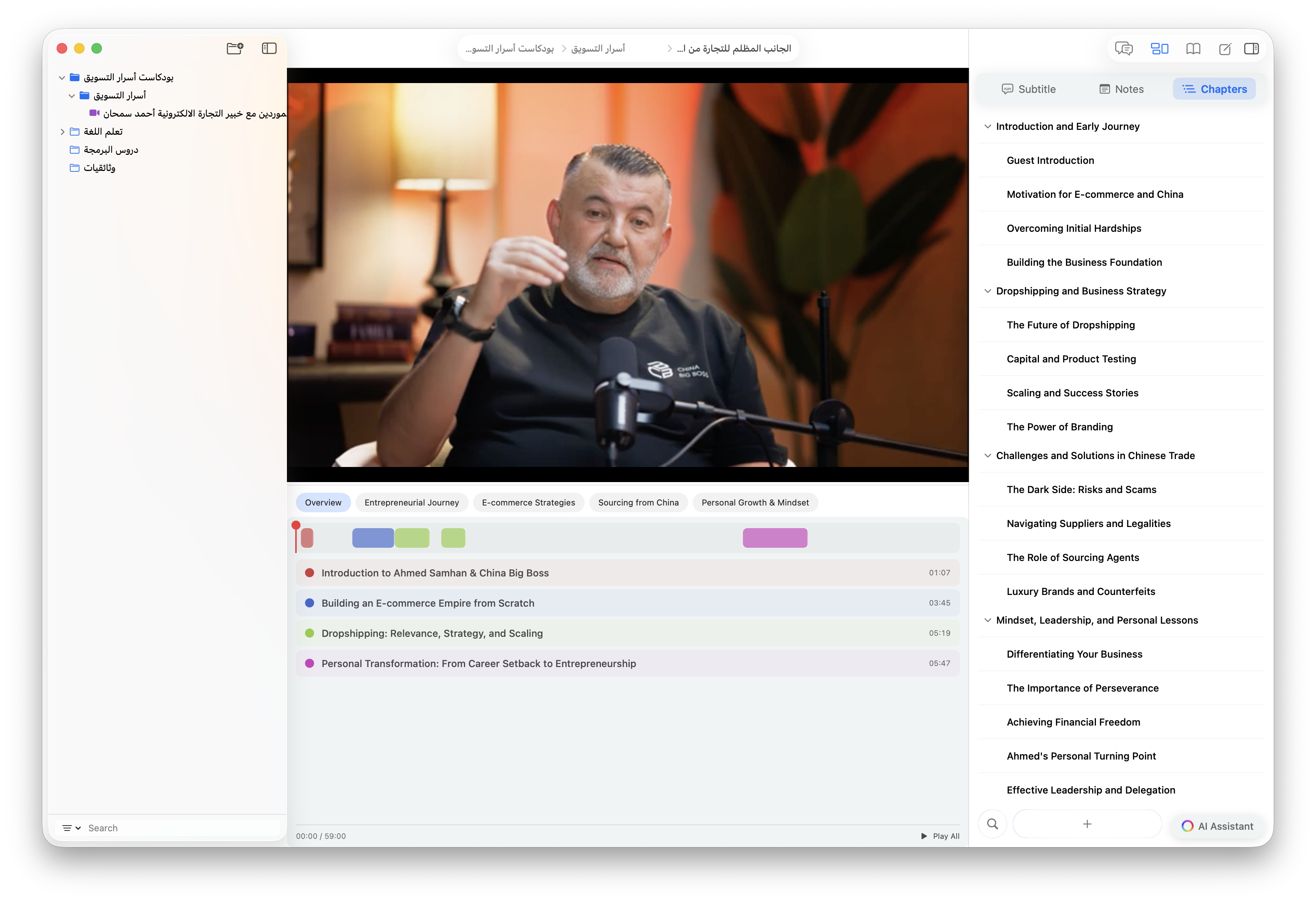
90 minutes. 10 minutes that matter. Automatically extract key topics and segments from long videos. Grasp the core in minutes, not hours.
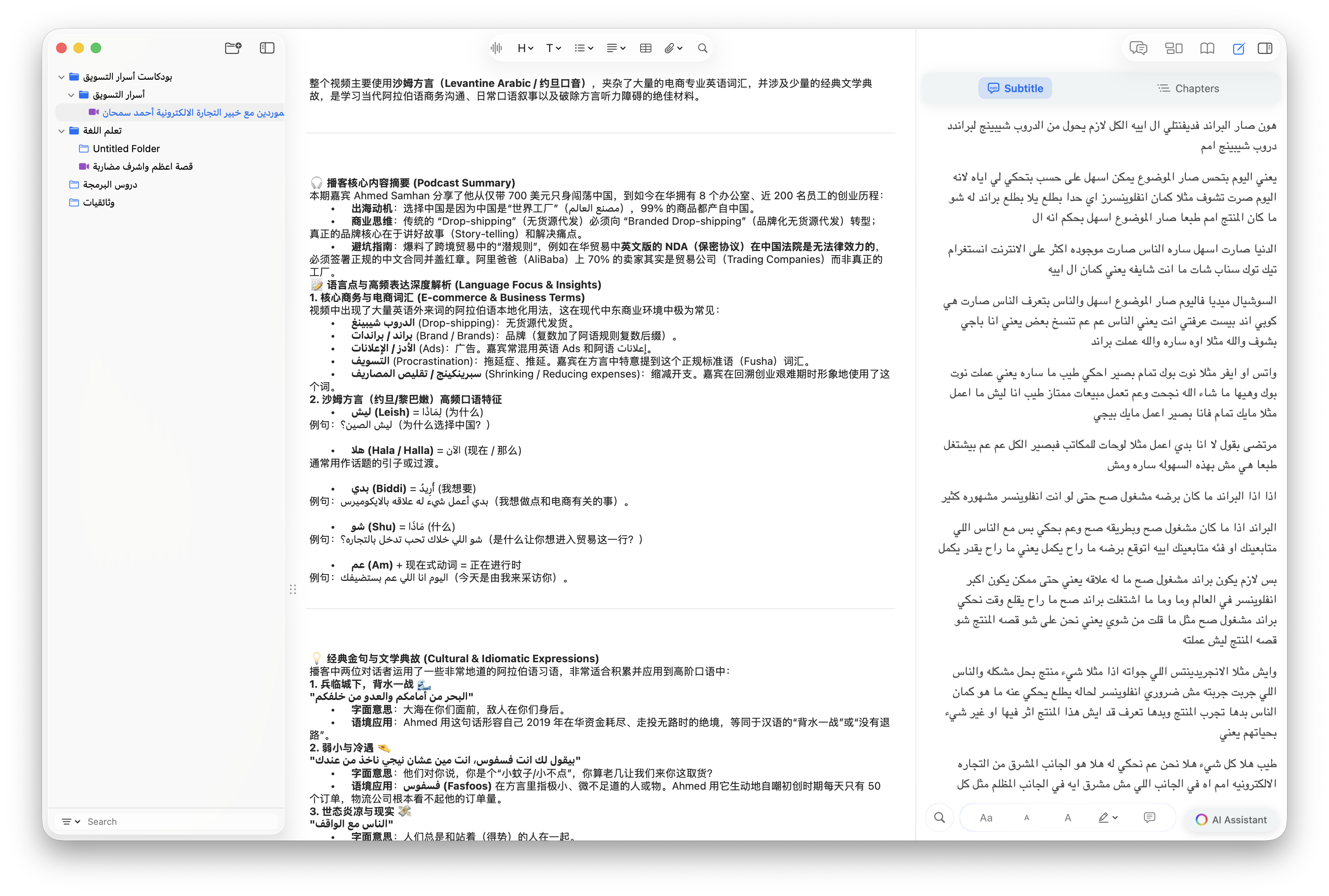
Write, format, and organize notes right next to the player. Insert timestamp links with one click — jump back to that exact moment anytime.
Subtitles scroll in sync with playback. Click any word for AI-powered definitions. Annotate, bookmark, and build vocabulary naturally.
Upload and sync your videos, subtitles, notes, and highlights to the cloud. Never lose a cherished lecture, tutorial, or recording again.
Technology
We use Google Cloud Speech-to-Text V2 (Chirp 3) for our cloud transcription — delivering state-of-the-art accuracy across 99+ languages, including underrepresented dialects and challenging real-world audio. For a private, offline alternative, our integrated local Whisper engine also supports 99+ languages, with excellent results on clean, standard speech — such as standard Mandarin, Arabic, or clearly enunciated Japanese and German. Choose what fits your needs: cloud for robust accuracy in any scenario, or local for fast, free, and fully private transcription.
Available on macOS. iCloud sync included. Local transcription supported.
FAQ